

Notes and briefs

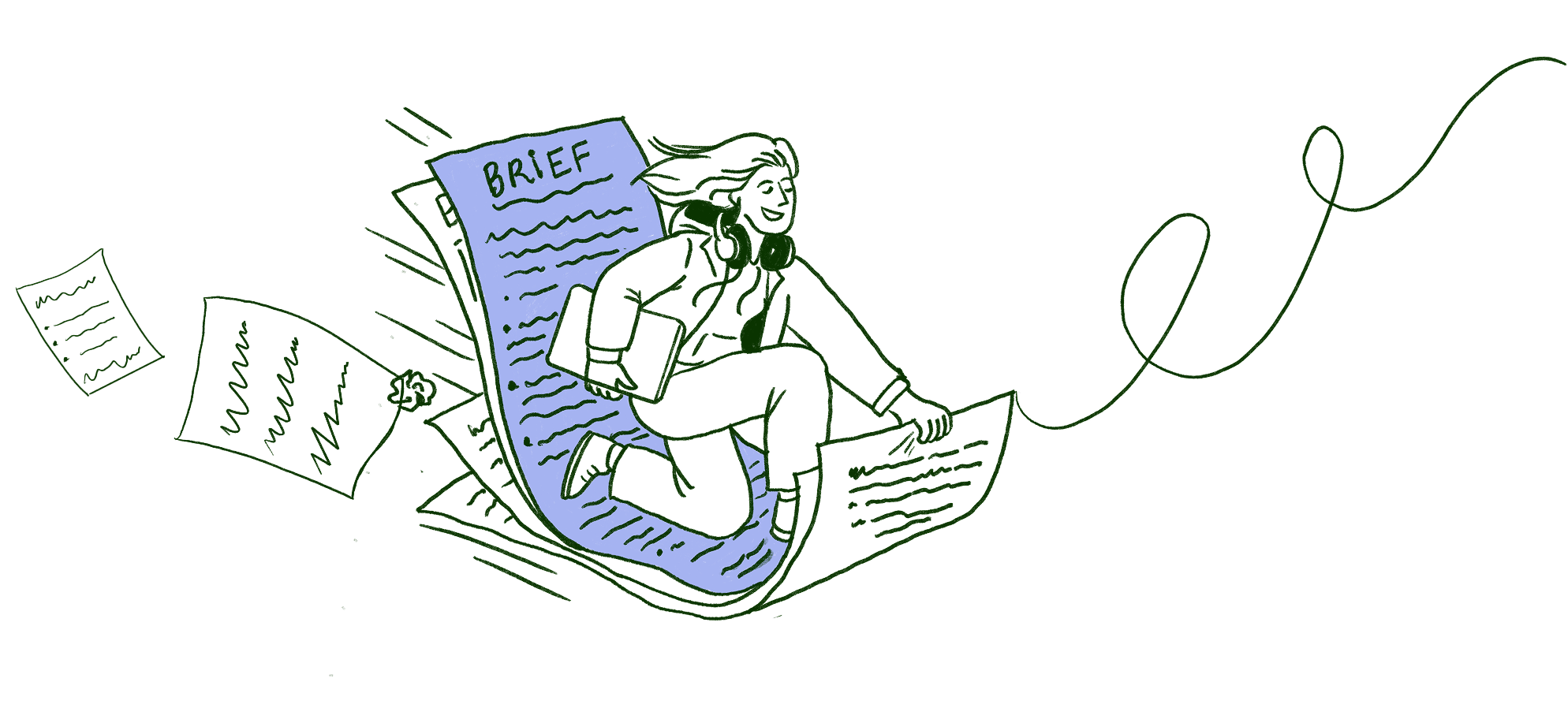
Your meeting just became a brief.|
Write anything. Half-finished thoughts, meeting scribbles, things you'll forget by tomorrow. Share them with whoever needs them. And when it's time to make it official, just ask Scribbble. It'll turn everything into a proper brief so you don't have to.
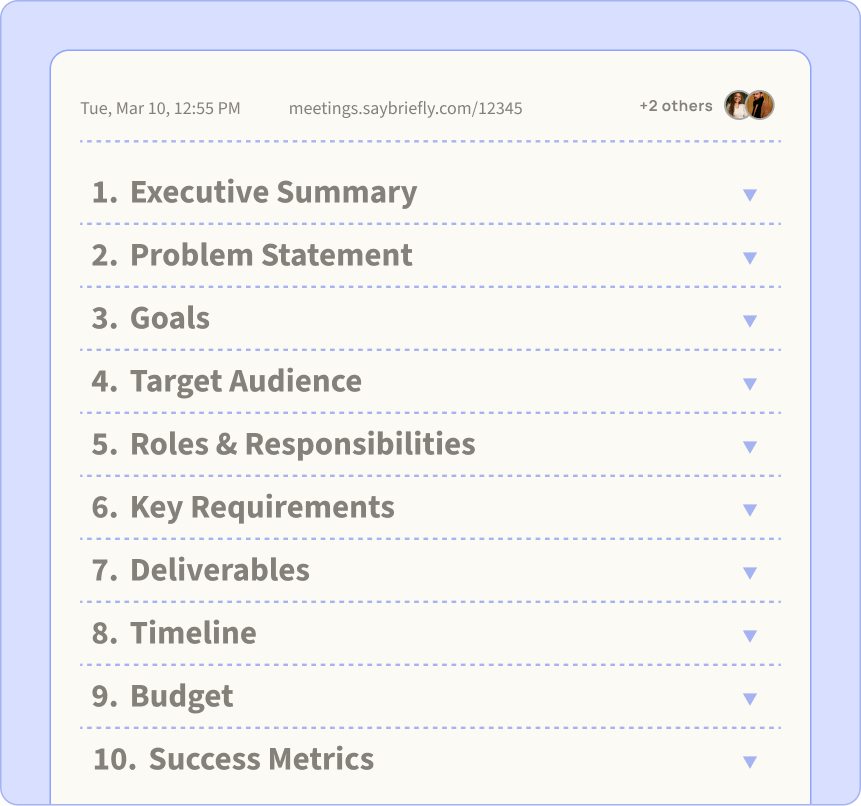
The brief that writes itself.
Scribbble turns your transcript and notes into a structured brief. Everything agreed on, written before anyone forgets.
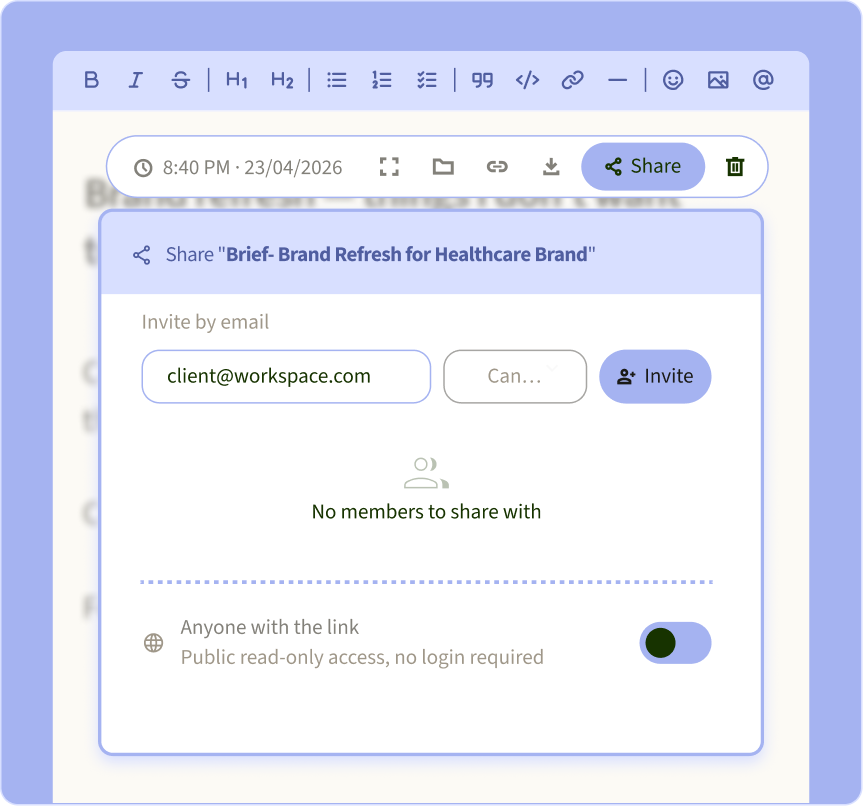
Write it. Share it. Done.
Send any note or brief to a client or collaborator with one link. No account needed, no extra tools.
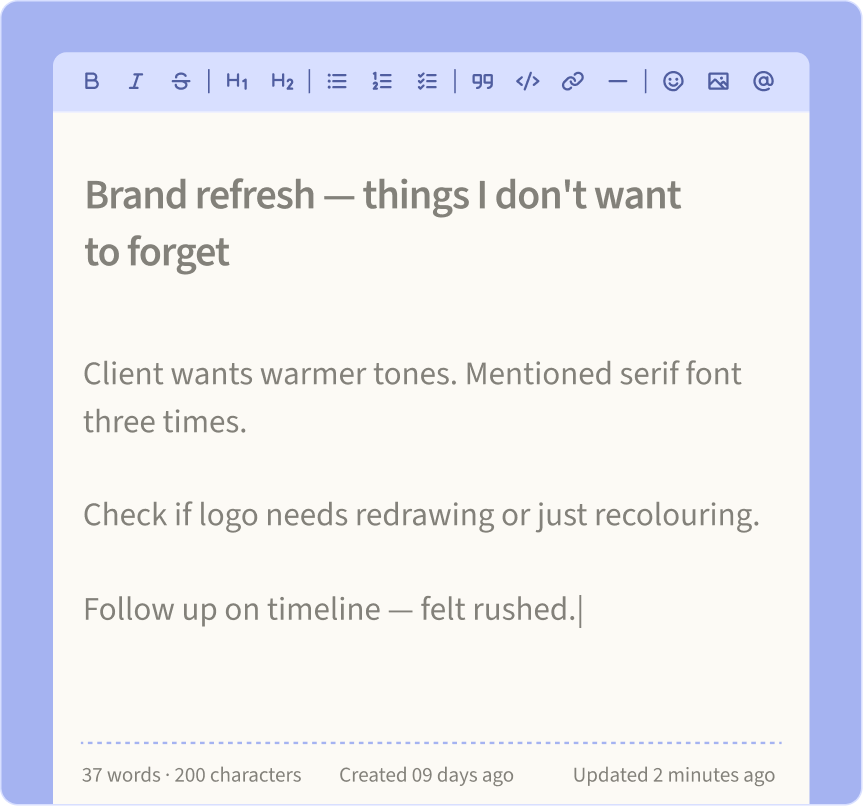
Your scratchpad. No judgment.
Write anything. Half-finished thoughts, random ideas, things you won't forget.
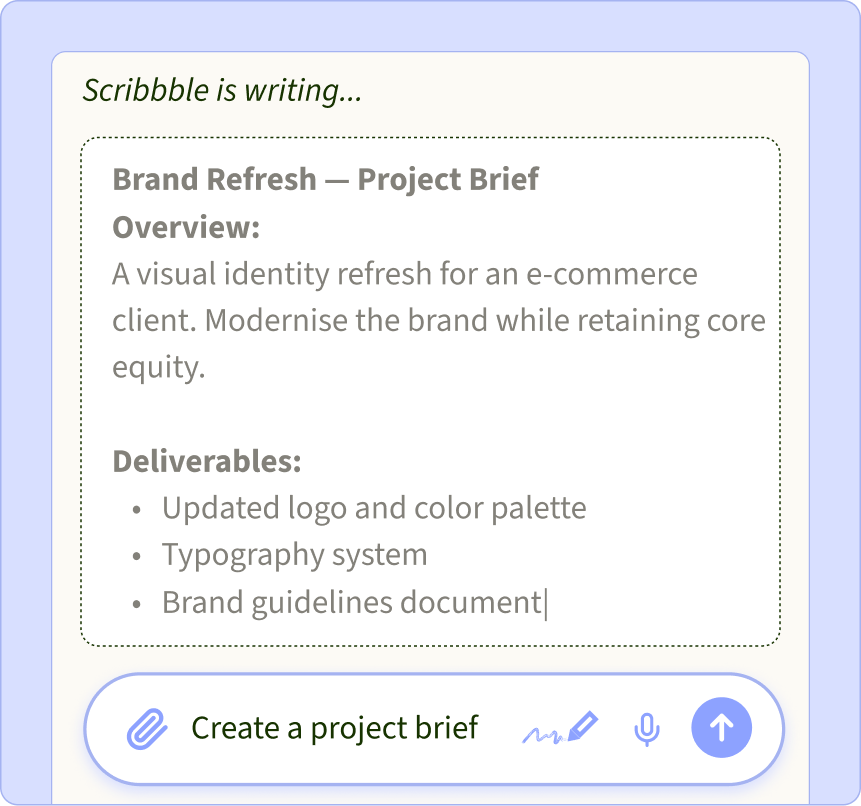
Just ask. Scribbble writes it down.
Ask Scribbble to write a project brief, a note, a draft, or anything else you'd rather not start from scratch.
35% of projects go over budget because nobody wrote down what was agreed.
Yours is written before you leave the call.
What is an AI notetaker?
An AI notetaker listens,
so you don't have to type.
An AI notetaker records your meetings, turns the conversation into a transcript, and writes the meeting minutes for you: a summary, the decisions and the action items. The good ones tell speakers apart, work across call apps, and let you ask questions about past meetings.
SayBriefly is an AI notetaker and meeting assistant for freelancers and studios. On top of the notes, it checks client requests against your project brief to catch scope creep, and it sends only your own commitments to your to-do list.

Meetings

The AI notetaker
for client work.
No bot in your call. Notes about a minute after you hang up.
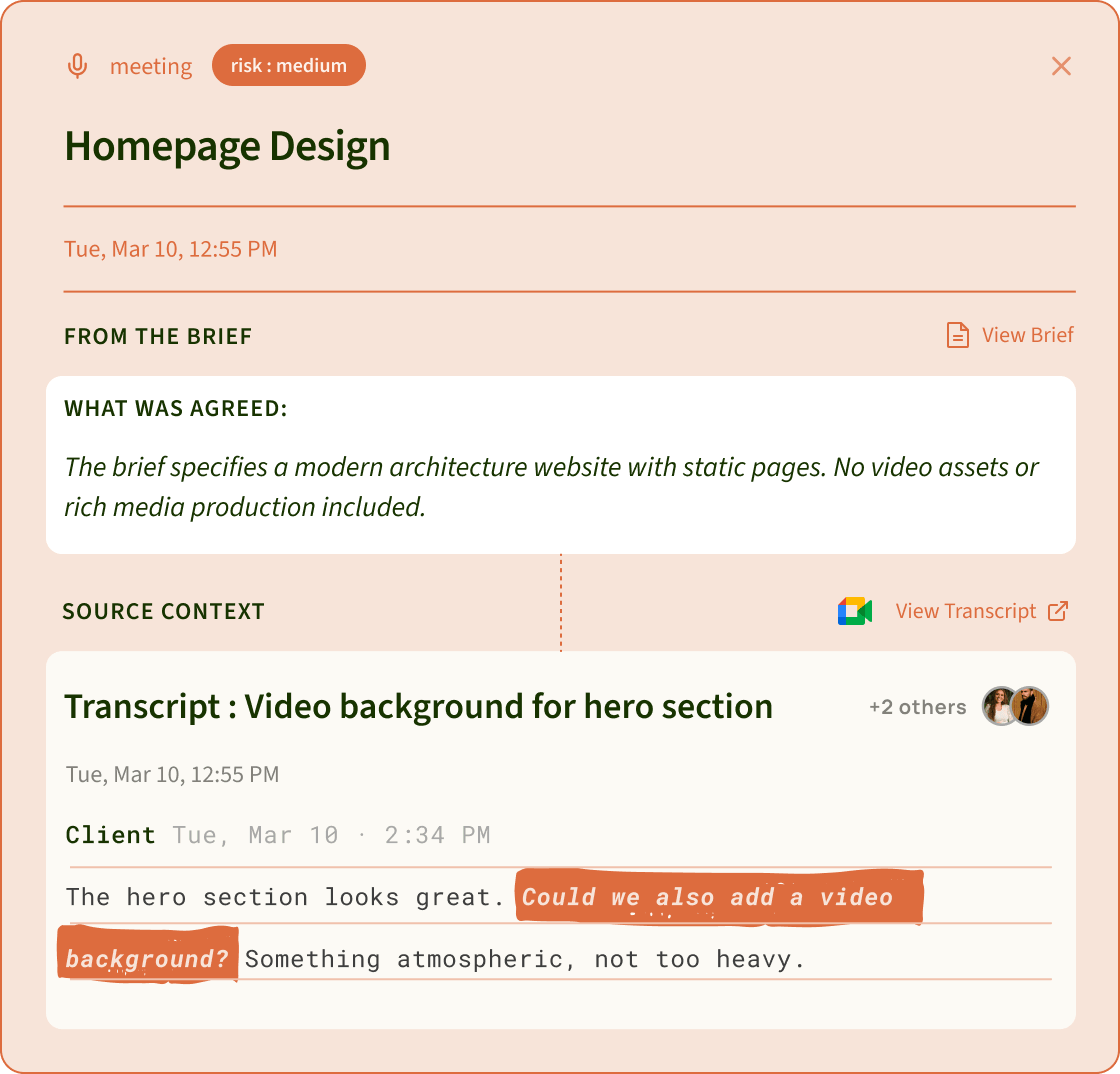
And when a client slips in “can we also…”, SayBriefly checks it against your brief.
 Scope creep
New requests checked against your brief.
When a client says “can we also…”, it's compared with what you agreed. New work becomes a scope alert, before it becomes free work.
 Your tasks
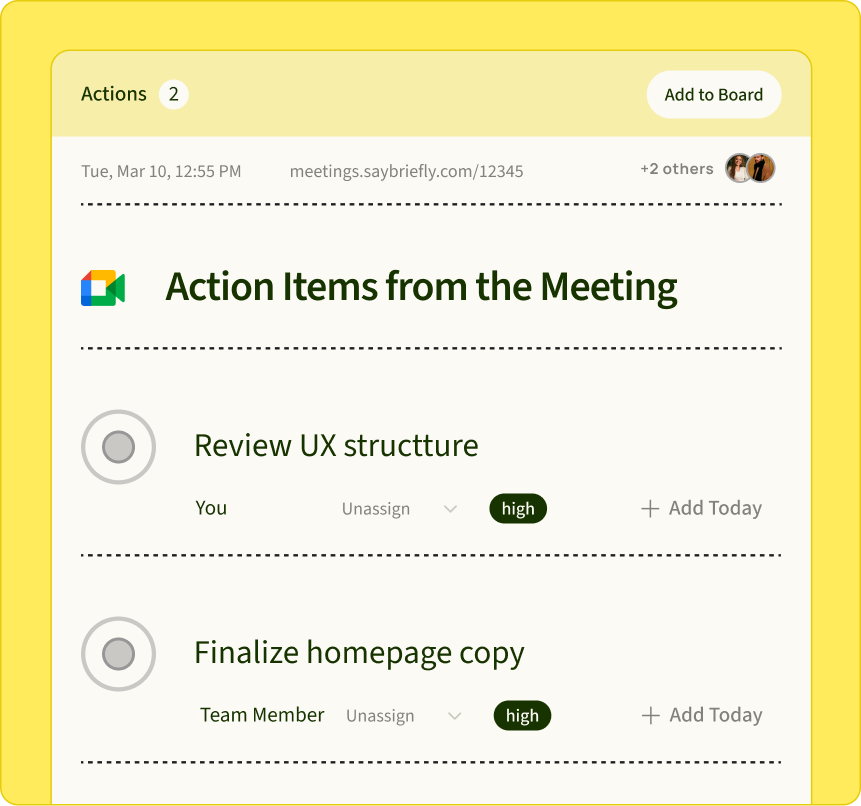
Only your promises on your list.
“I'll send the files Friday” becomes your task. What the client or a teammate owes stays in the notes, not on your plate.
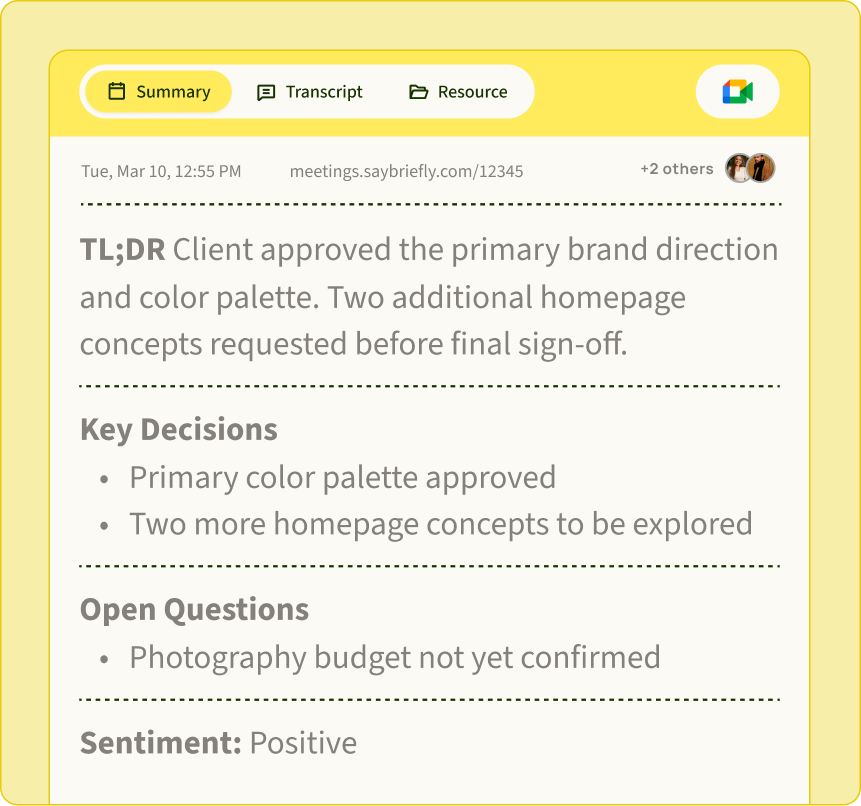 Meeting notes
The whole call. About a minute later.
Summary, decisions, open questions and who said what, with real names. Ready soon after you hang up.
 Meeting memory
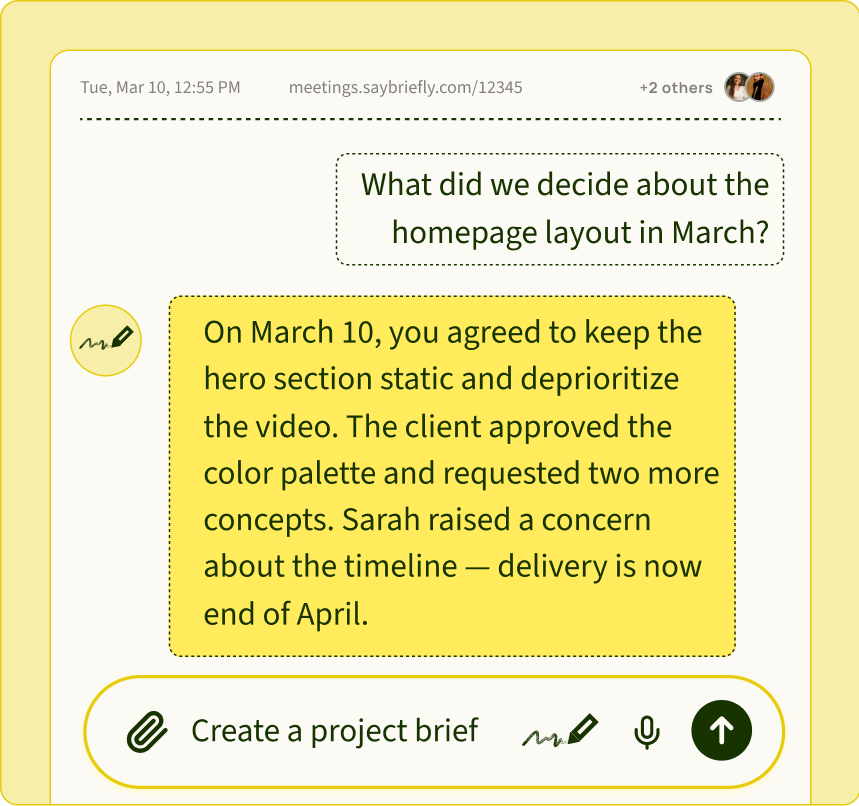
Ask any meeting. Months later.
“What did we agree about the logo?” Ask in plain words and get the answer from the call.
54% of people  leave meetings without knowing what happens next.
SayBriefly makes sure you're not one of them.
How AI notetakers work
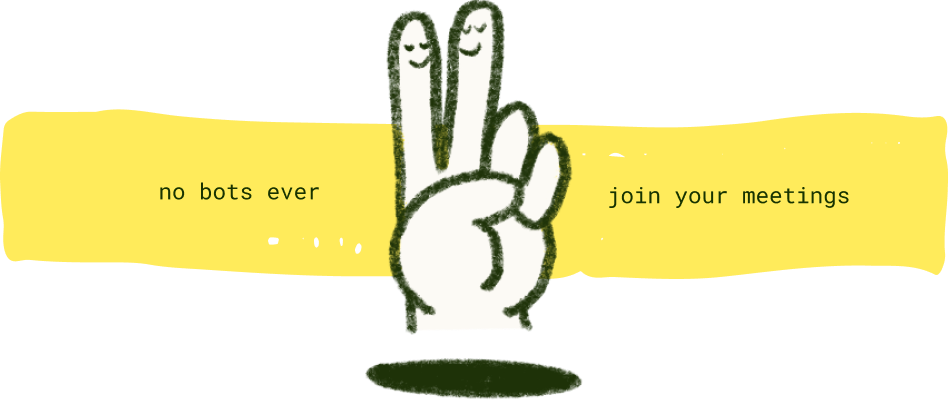
Bot, or no bot.
A bot joins the meeting.
How most notetakers started
The notetaker enters the call as an extra participant. Nothing to install, but everyone sees it arrive, some clients ask for it to be removed, and it only works on the platforms it supports.
It records from your computer.
How SayBriefly works
A desktop app listens to your microphone and your computer's audio. Nothing joins the call, and it works with any call app. Most leading notetakers now offer this too; what still differs is what happens to the notes after the call.
Works with every call you take.
Mac and Windows. Your clients install nothing.
Zoom, Google Meet, Microsoft Teams, Slack huddles and WhatsApp. Notes come back in the language the meeting was held in, including calls that switch between two.
Every notetaker takes notes.
Only one checks the brief.
← Scroll to compare →



Records without a bot joining the call

Google Meet only
Ask past meetings questions
Your to-do list and project board, built in
via integrations
via integrations
via integrations
via integrations
Checks client requests against your brief

Made for
Teams & sales
Teams & classes
Sales & success
Everyday meetings
Checked September 2026 from each product's public website and independent 2026 reviews.
What a meeting note looks like
AI meeting minutes,
written for you.
Homepage redesign: layout signed off, launch date holds.
The client approved the new homepage layout. Launch stays on October 22. The client asked for a mobile app, which is not in the brief.
Send the final homepage files by Friday. Share a quote for the mobile app request.
Maria sends the product photos by Wednesday.
Asked: “Can we also get a mobile app?” Brief says: responsive website only. Likely extra effort: a separate project.
Buyer's checklist
How to choose an AI note taker.
Does a bot join the call?
Bot notetakers enter as an extra participant, and some clients ask for them to leave. If that matters, pick an AI note taker that records from your computer.
Which call apps does it cover?
List every place you actually meet: Zoom, Google Meet, Teams, Slack huddles, WhatsApp. A notetaker that misses one leaves holes in your memory.
Does it separate your tasks from everyone else's?
A list of every action item from every person is noise. You want your own promises on your list and the rest kept in the notes.
Where does the recording go?
Read which providers process the audio, whether the recording is kept, and who can see the transcript.
Can you ask old meetings questions?
Searching a transcript is slow. Asking “what did we agree about the logo?” and getting the answer is fast.

Does it connect to where the work happens?
Notes that stay in the notetaker get forgotten. Tasks should land in your to-do list and your project board.
Who it's for
An AI meeting assistant
for people who bill clients.

Freelance designers
Revision calls are where free work sneaks in. Every change the client asked for is written down, and anything outside the brief shows up as a scope alert before you start drawing.
Agency project managers
Weekly client syncs become decisions, owners and dates on the project board, without anyone writing up the call. New requests are flagged so they can be quoted, not absorbed.
Developers and consultants
Discovery calls turn into a written brief everyone agreed to. That brief becomes the reference for every later “small change”.
Studio owners
Team calls give each person their own tasks, and you can ask any past client meeting what was promised without digging through recordings.
It's minute twelve. You just promised something. With ADHD at work, you won't remember it.
You don't have to.
If your brain drops what was said
Listen. Talk.
Forget nothing.
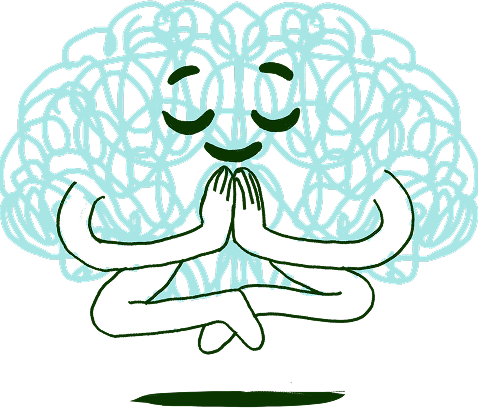
Plenty of people can't listen and take notes at the same time. With ADHD it's harder still: you remember the feeling of the call, not the promise you made in minute twelve. An AI notetaker takes that job away.
Nothing to write down
Stay in the conversation. The notes write themselves.
Promises become tasks
What you said you'd do lands on your list, so nothing depends on remembering.
A list that stays small
Only what's yours, so it never grows into a wall. Forgot a detail? Ask the meeting.
After the call
From meeting to done.
The notes land in your workspace.
Linked to the right client project, so you never hunt for which call it was.
Your promises go to your to-do list.
Each task links back to the meeting it came from.
Work items reach the project board.
Cards appear where the team already works.
New requests become scope alerts.
Accept them, quote them, or decline them, before the work starts.
Your meeting data.
After the call, the audio is sent to our speech providers to make the transcript and identify speakers, then deleted. The transcript, notes and tasks are stored in your workspace, and only people you share them with can see them. A named speaker's voice profile is a set of numbers, not a recording.
Languages.
Notes are written in the language of the meeting: English, Spanish, Portuguese, French, German, Bengali and many more, including calls that mix two languages.
Questions
What people ask about AI notetakers.
What is the best AI notetaker for freelancers and agencies?
+
Pick one that understands client work, not just meetings. SayBriefly writes your notes like any AI notetaker, but it also checks what a client asks for against the project brief, flags scope creep, and puts only your own commitments on your to-do list.
Does SayBriefly join my call as a bot?
+
No. It records from your own computer, so no extra participant appears in the call and your client doesn't see a recorder join.
Which call apps does it work with?
+
Any call you take on your Mac or Windows computer: Zoom, Google Meet, Microsoft Teams, Slack huddles, WhatsApp and others.
How is SayBriefly different from Fireflies, Otter or Fathom?
+
They are general meeting notetakers. SayBriefly is built for client work: notes arrive in your projects and to-do list, requests are compared with the brief you agreed, and you can ask any past meeting a question in plain words.
Can an AI notetaker catch scope creep?
+
SayBriefly can. When a client asks for something on a call, it's compared with the project brief. If it's new work, you get a scope alert with what was asked, what the brief says and the likely extra effort.
How fast are the notes ready?
+
About a minute after the call ends. The transcript keeps improving in the background, with speaker names added.
Does it know who said what?
+
Yes. Speakers are separated, and once you name someone, SayBriefly learns their voice and recognises them in later meetings.
Does it work in other languages?
+
Yes. Notes come back in the language the meeting was held in, including calls that switch between languages.
Where is my meeting data processed?
+
Audio is sent to our speech providers to make the transcript, then deleted. The transcript and notes are stored in your workspace. Our privacy policy lists every provider.
Do my clients need to install anything?
+
No. Only you run SayBriefly. Your clients join the call exactly as they always do.
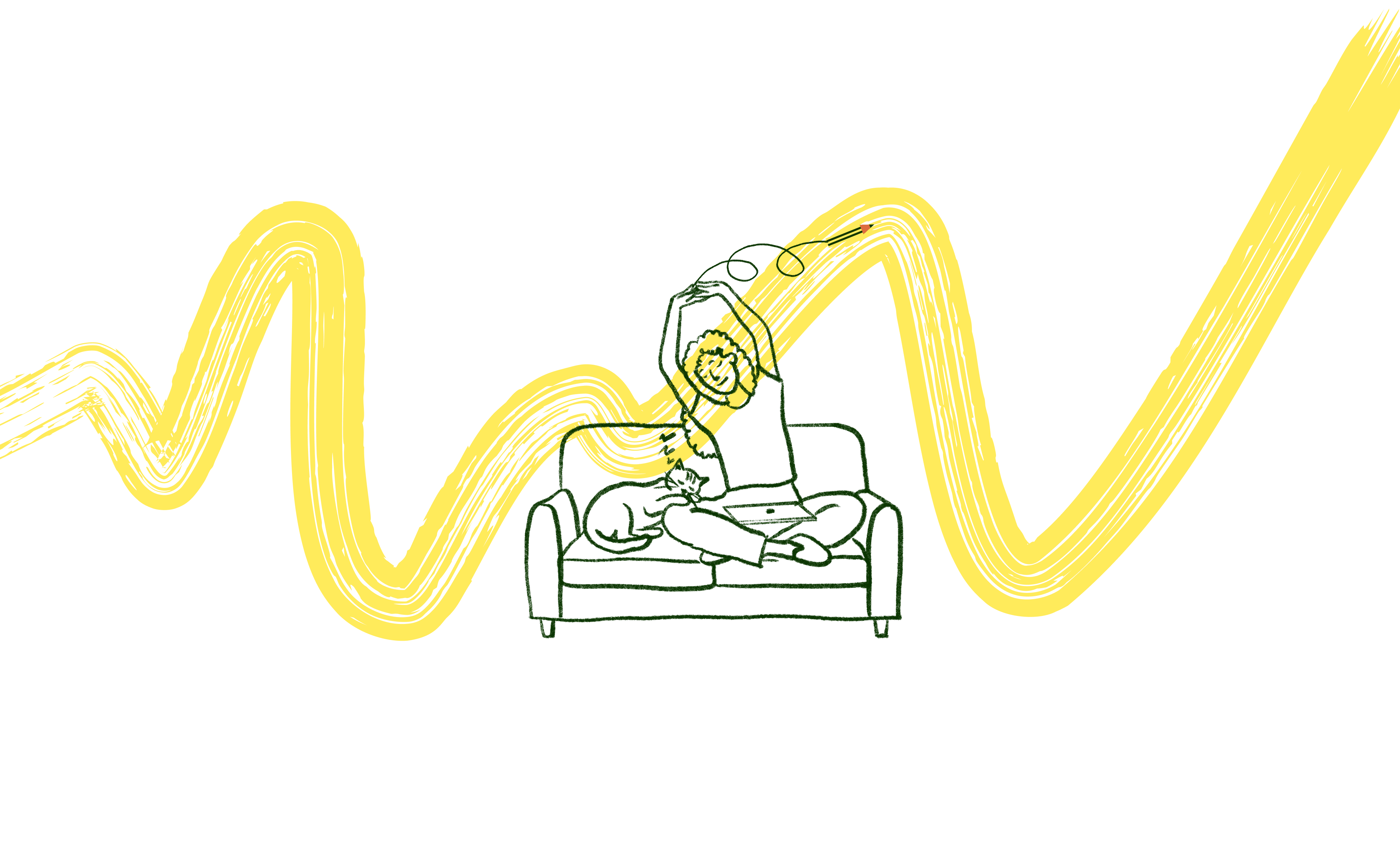
It's 4pm on a Friday. The brief is locked, the client is happy, and Scribbble already sent the meeting recap. You close the laptop.
That's the point.

“SayBriefly allows me to give my full awareness in meetings, enabling radical presence, relevant question-asking, and finding flow that was otherwise elusive when note-taking.”

Emma Joel, Creative Director
Itsmy Studio
“The AI summaries are incredibly accurate. Our entire team adopted SayBriefly within weeks, and our post-meeting clarity has never been better.”

Marcus Chen, Product Manager
Pixel Lab
“What used to take hours of note-taking and follow-up emails now happens automatically. SayBriefly is the assistant I didn't know I needed.”

Sarah Williams, Head of Design
Studio Bloom

Stop doing the extra work
for free.
Notes in a minute.
Scope creep caught.
Your list, only yours.


2026 ©SayBriefly. All rights reserved.
Designed by @HustleJar