

World's first scope change detection
Catch scope creep
before you do the work.
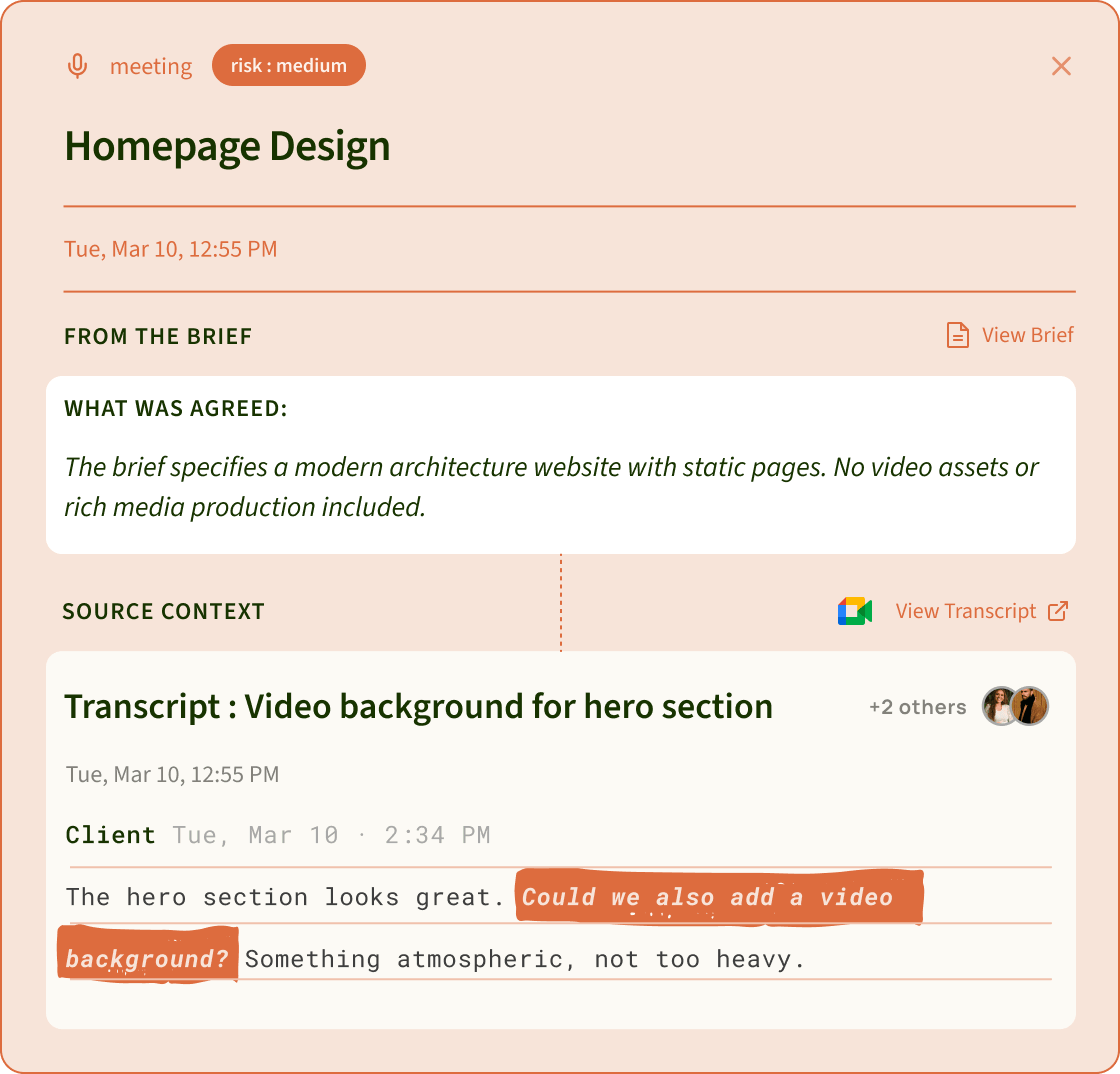
SayBriefly checks your client calls, emails, Figma comments and Slack messages against the brief you agreed, and flags every extra ask with the client's exact words. You decide: absorb it, bill for it, or push back.
Not seeing your OS?The scope change alert
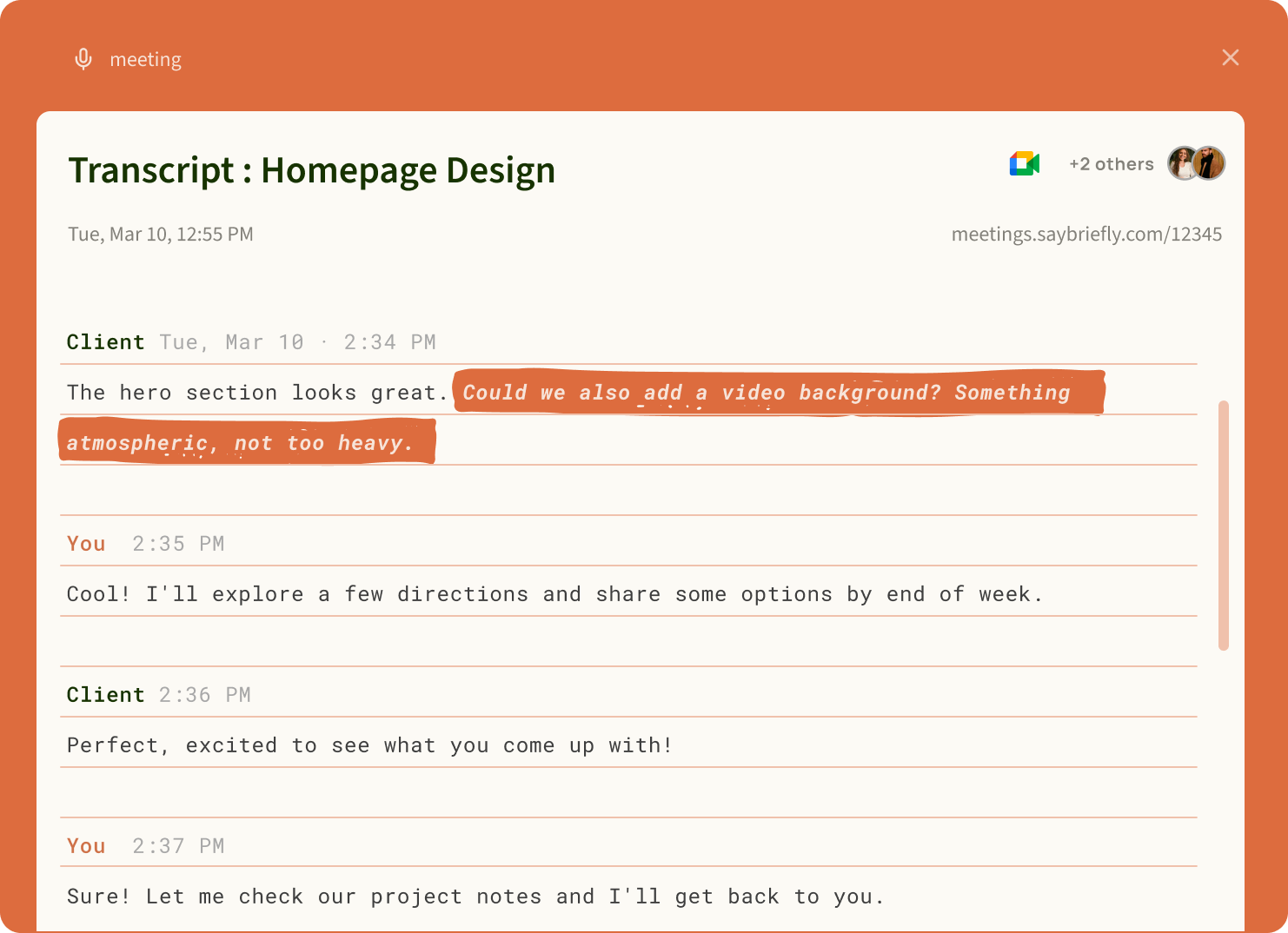
The conversation that triggered it

How SayBriefly catches
scope creep.
Lock the brief once. From then on, every conversation with the client is measured against it.
The moment something changes, you know. Before you've already done the work.
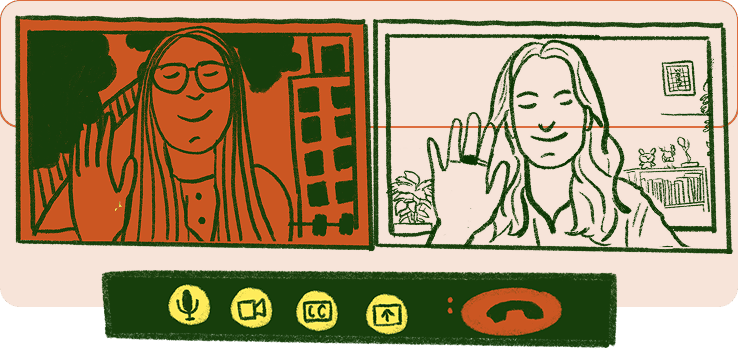
On your client calls.
SayBriefly takes notes on the call without a bot, then checks every new request against the brief.
Google Meet, Zoom, Teams and more
Even in your inbox.
Client emails are where scope changes sound the most casual. SayBriefly catches them anyway.
Works with Gmail

In Figma comments.
Link a Figma file to the project and new client comments are checked against the brief.
Works with Figma

And in your client's Slack.
Scope changes slip into Slack too. Link the client's channel and SayBriefly reads it.
Works with Slack


Something falls outside your brief? You get an alert with the client's words and the brief line. You decide what to do.
Ways to catch scope creep,
side by side.
← Scroll to compare →


Writes down what's in and out of scope

per request
if you add it
Notices an extra ask said on a call

Notices an extra ask in an email
Checks Figma and Slack comments
you read them
Shows the client's exact words
if they fill it in
Works without the client changing how they talk
Methods compared, not brands. A contract and a change request form are still worth having; they just can't hear the extra ask.
Questions
What people ask about scope creep.
What is scope creep?
+
Scope creep is when a project grows beyond what was agreed, one small request at a time, without more time or money to match. Each ask sounds minor, like a quick tweak or one more round, but together they turn a fixed-price project into unpaid work.
What causes scope creep?
+
Usually a vague brief, no written list of what's excluded, unlimited revision rounds, new people joining the client side, feedback spread across calls, email, Figma and Slack, and saying yes on a call before checking what was agreed.
What is an example of scope creep?
+
A website project agreed as five static pages, where the client later asks for a blog section, an animated intro and a newsletter signup, each in a different message, and none of it priced.
What is the difference between scope creep and a scope change?
+
A scope change is agreed, priced and approved by both sides. Scope creep is the same extra work arriving without that step, so you end up doing it for free.
How do you prevent scope creep?
+
Write a brief that lists deliverables and exclusions, lock it before work starts, cap revision rounds, send every new request through one change-request path, and reply to extra asks quickly with a price or a no.
How do you say no to scope creep politely?
+
Thank the client, name the request, point to what the agreed brief covers, and offer a way forward: a quote for the extra work, a swap for something in scope, or a later phase. Keep it friendly and specific.
How does SayBriefly detect scope creep?
+
Each project has a brief with its deliverables and exclusions. Once you lock it, SayBriefly checks your client calls, emails, and the Figma files and Slack channels linked to the project against it. When a request goes beyond the brief, you get a scope alert with the client's exact words and the brief line it breaks.
Does SayBriefly block or reply to the client?
+
No. It flags the request and shows you the evidence. You decide whether to absorb it, quote for it or push back.
What do I need for scope alerts to work?
+
A project with a locked brief. SayBriefly can draft the brief from your kickoff call notes and emails for you to edit, and alerts start once it's locked.
Is SayBriefly a scope creep tool for freelancers?
+
Yes. It's built for freelancers, design and dev studios and agencies who run fixed-scope client work, and it also takes your meeting notes, sorts your email and keeps your project board and to-do list up to date.

It's 4pm on a Friday. The brief is locked, the client is happy, and Scribbble already sent the meeting recap. You close the laptop.
That's the point.

“SayBriefly allows me to give my full awareness in meetings, enabling radical presence, relevant question-asking, and finding flow that was otherwise elusive when note-taking.”

Emma Joel, Creative Director
Itsmy Studio
“The AI summaries are incredibly accurate. Our entire team adopted SayBriefly within weeks, and our post-meeting clarity has never been better.”

Marcus Chen, Product Manager
Pixel Lab
“What used to take hours of note-taking and follow-up emails now happens automatically. SayBriefly is the assistant I didn't know I needed.”

Sarah Williams, Head of Design
Studio Bloom

Stop doing extra work
for free.
Lock the brief.
Catch the extra ask.
Get paid for the change.



2026 ©SayBriefly. All rights reserved.
Designed by @HustleJar