
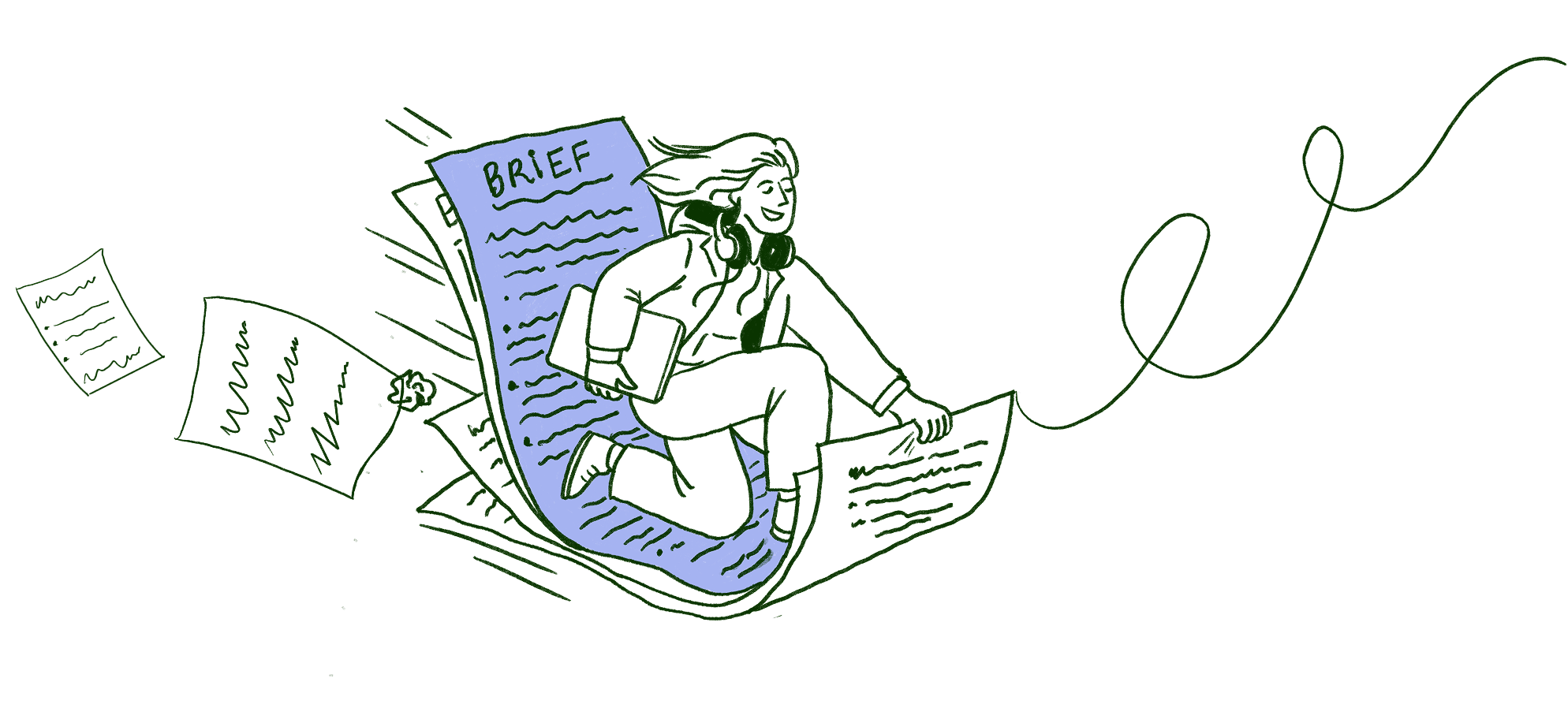

Notes and briefs

Every call remembers the last one.|
No bot joins your call. Calls with the same client stack into one thread, and every new note opens with Since last call: what got done, what is still open, what they asked for again. Each call sits in the client's project next to their email and the brief, so Scribbble answers across all of it. When a new ask is not in the brief, you see it before you say yes.
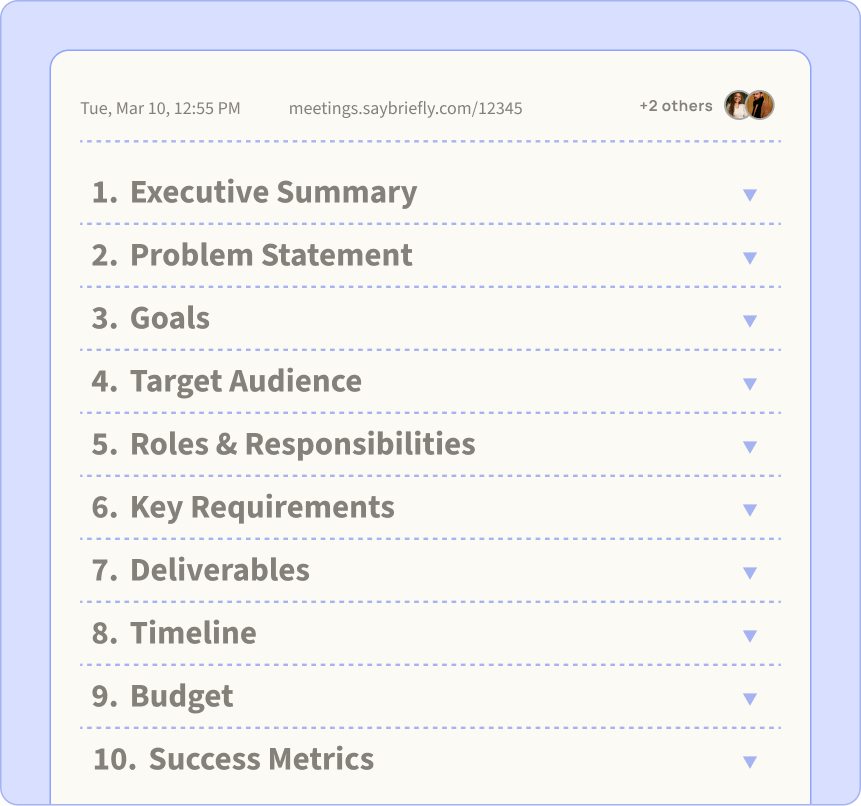
The brief that writes itself.
Scribbble turns your transcript and notes into a structured brief. Everything agreed on, written before anyone forgets.
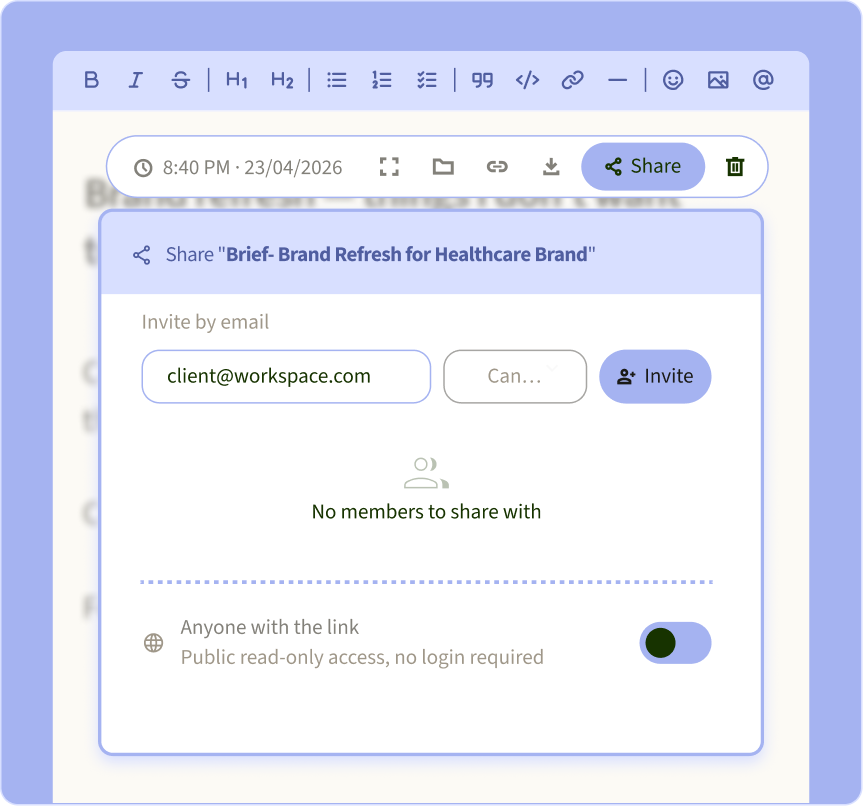
Write it. Share it. Done.
Send any note or brief to a client or collaborator with one link. No account needed, no extra tools.
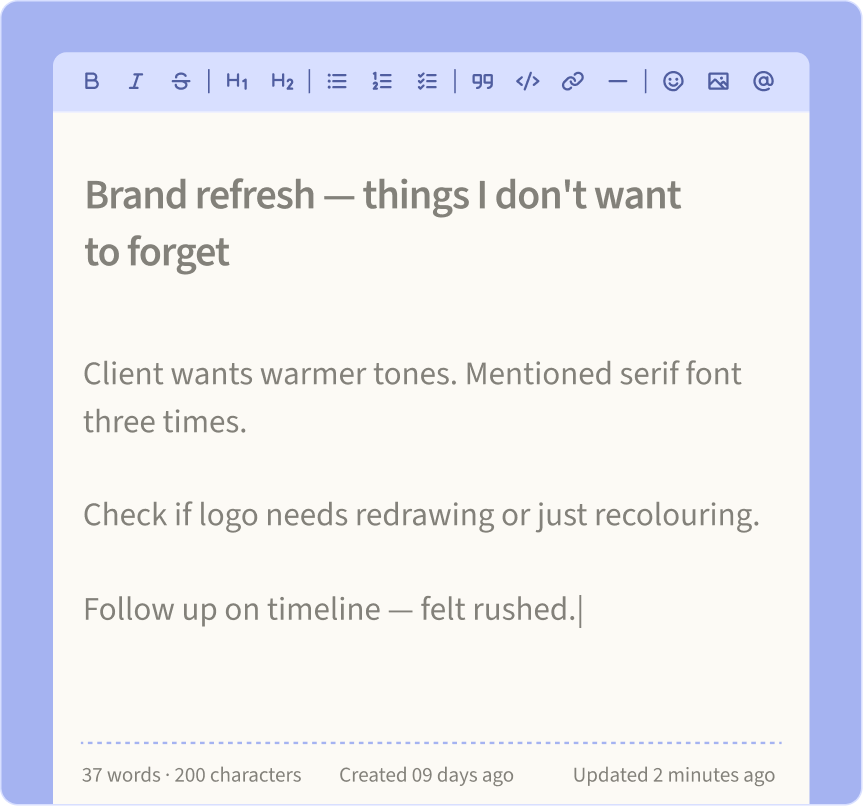
Your scratchpad. No judgment.
Write anything. Half-finished thoughts, random ideas, things you won't forget.
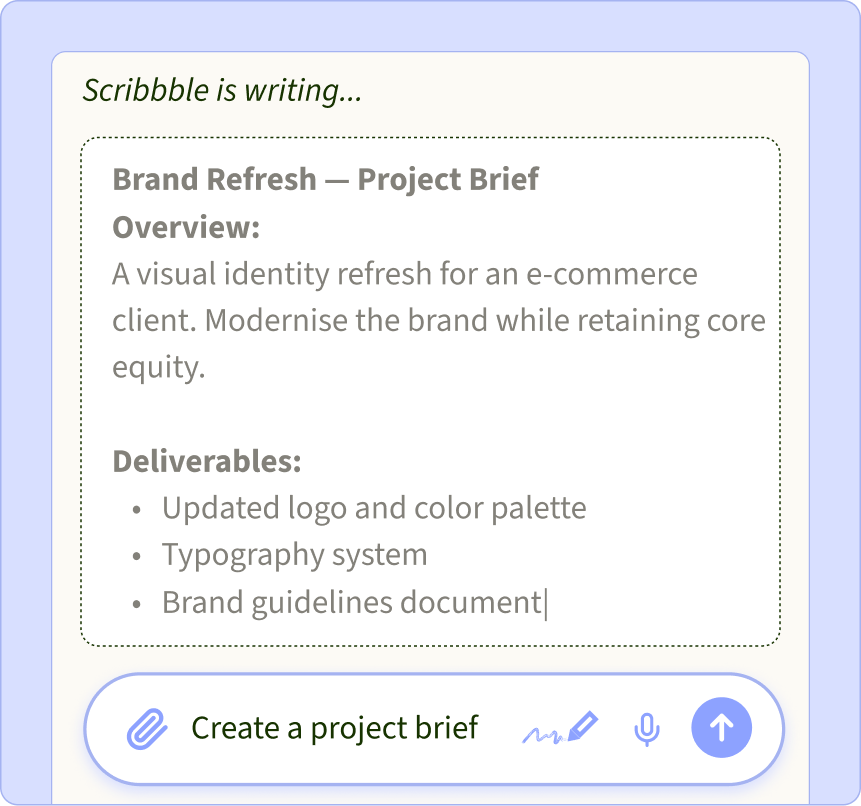
Just ask. Scribbble writes it down.
Ask Scribbble to write a project brief, a note, a draft, or anything else you'd rather not start from scratch.
35% of projects go over budget because nobody wrote down what was agreed.
Yours is written before you leave the call.
Every notetaker takes notes.
Only one checks the brief.
← Scroll to compare →



Records without a bot joining the call

Google Meet only
Ask past meetings questions
Your to-do list and project board, built in
via integrations
via integrations
via integrations
via integrations
Checks client requests against your brief

Made for
Teams & sales
Teams & classes
Sales & success
Everyday meetings
Checked September 2026 from each product's public website and independent 2026 reviews.
Questions
What people ask about AI notetakers.
What is the best AI notetaker for freelancers and agencies?
+
Pick one that understands client work, not just meetings. SayBriefly writes your notes like any AI notetaker, but it also checks what a client asks for against the project brief, flags scope creep, and puts only your own commitments on your to-do list.
Does SayBriefly join my call as a bot?
+
No. It records from your own computer, so no extra participant appears in the call and your client doesn't see a recorder join.
Which call apps does it work with?
+
Any call you take on your Mac or Windows computer: Zoom, Google Meet, Microsoft Teams, Slack huddles, WhatsApp and others.
How is SayBriefly different from Fireflies, Otter or Fathom?
+
They are general meeting notetakers. SayBriefly is built for client work: notes arrive in your projects and to-do list, requests are compared with the brief you agreed, and you can ask any past meeting a question in plain words.
Can an AI notetaker catch scope creep?
+
SayBriefly can. When a client asks for something on a call, it's compared with the project brief. If it's new work, you get a scope alert with what was asked, what the brief says and the likely extra effort.
How fast are the notes ready?
+
About a minute after the call ends. The transcript keeps improving in the background, with speaker names added.
Does it know who said what?
+
Yes. Speakers are separated, and once you name someone, SayBriefly learns their voice and recognises them in later meetings.
Does it work in other languages?
+
Yes. Notes come back in the language the meeting was held in, including calls that switch between languages.
Where is my meeting data processed?
+
Audio is sent to our speech providers to make the transcript, then deleted. The transcript and notes are stored in your workspace. Our privacy policy lists every provider.
Do my clients need to install anything?
+
No. Only you run SayBriefly. Your clients join the call exactly as they always do.

It's 4pm on a Friday. The brief is locked, the client is happy, and Scribbble already sent the meeting recap. You close the laptop.
That's the point.

“SayBriefly allows me to give my full awareness in meetings, enabling radical presence, relevant question-asking, and finding flow that was otherwise elusive when note-taking.”
Emma Joel, Creative Director
Itsmy Studio
“The AI summaries are incredibly accurate. Our entire team adopted SayBriefly within weeks, and our post-meeting clarity has never been better.”

Marcus Chen, Product Manager
Pixel Lab
“What used to take hours of note-taking and follow-up emails now happens automatically. SayBriefly is the assistant I didn't know I needed.”

Sarah Williams, Head of Design
Studio Bloom

Related guides
Meetings
Other notetakers remember a meeting.
We remember the client.
No bot. Since last call.
Every call, email and brief
in one project.



2026 ©SayBriefly. All rights reserved.
Designed by @HustleJar